
New batteries for the batteries-included agent harness
Ask a model to turn a CSV into a report and it can hand you a plausible Python script. Running it is where the work starts: install the packages, find the malformed row, fix the script, and save the result somewhere you can open it. A code block leaves all of that to you.
Deep Agents, LangChain’s “batteries-included agent harness,” gives a model tools and an agent loop to keep working through those steps. We’ve built a Mainbrella sandbox adapter so its commands and file tools can use our Linux containers. The sandbox service can run locally too, if you want to inspect or change it.
The commands below use the implementation in our fork. We asked about upstream support in issue #6856, which was an open feature request as of October 8.
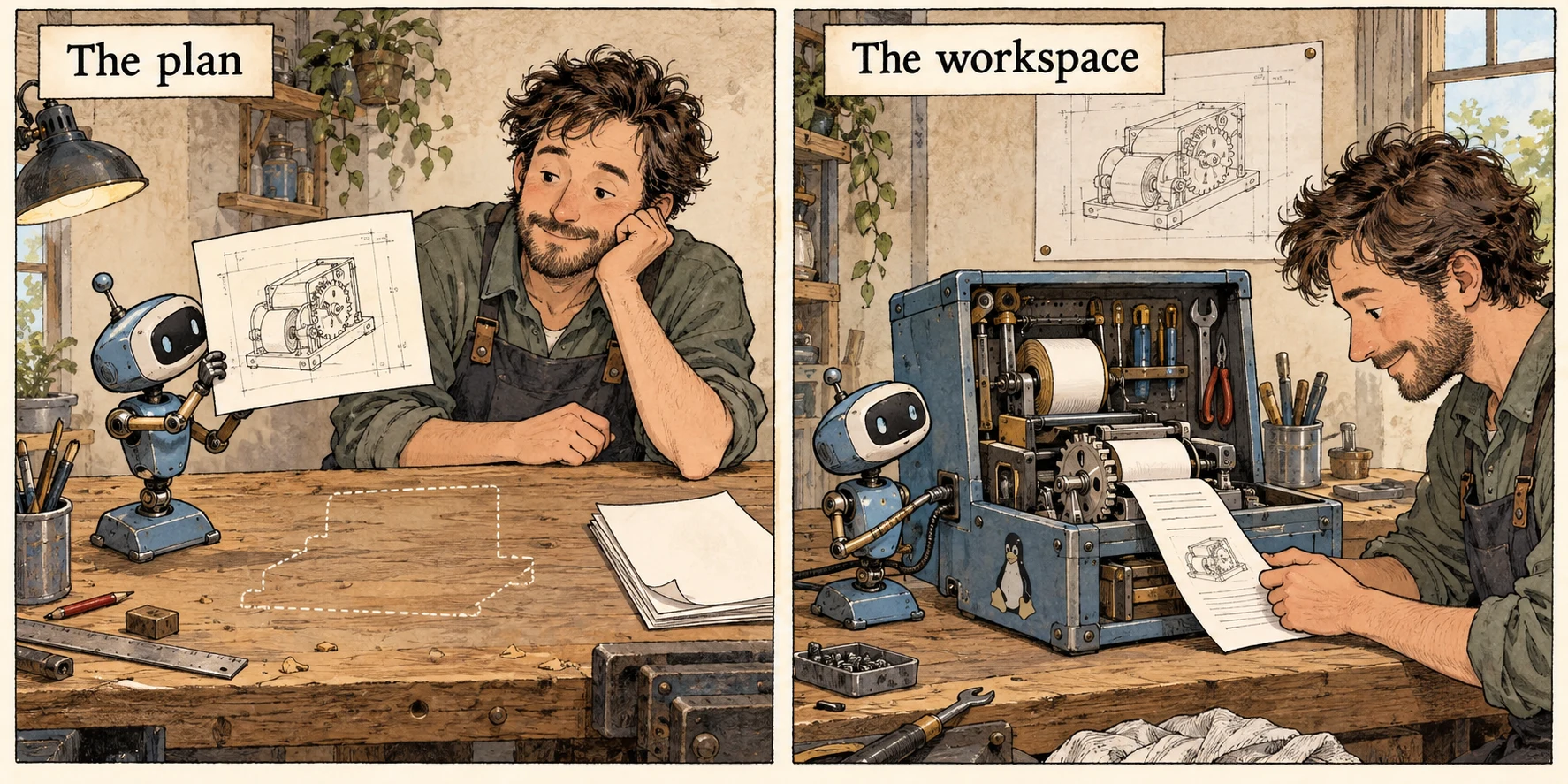
Let the agent work through the errors
A tool-calling model can ask a program to execute a function, read its result, and choose another call. For the CSV job, that loop might write a script, run it, read a traceback, and try an edit. Intermediate files need to survive between calls, and the model needs a way to keep track of work that no longer fits in its context window.
Deep Agents supplies file tools, task lists, reusable skills, and conversation summaries. It can move large tool outputs into files and delegate part of a job to a subagent with a separate context. Your application adds its own tools and any human approval steps it needs.
An analyst subagent could investigate a suspicious column while the main agent works on the report. Both can refer to files instead of passing the whole dataset back through the conversation. You can try that workflow without first building your own file editor, context management, and delegation system.
Underneath, LangGraph drives execution and state, LangChain’s create_agent assembles the agent, and Deep Agents adds defaults through middleware. Those defaults can be replaced independently, so choosing Mainbrella doesn’t require changing the model or planning logic.
There’s also a ready-made terminal coding agent, dcode, in the repository. The SDK is for building your own application; dcode is something you can sit down and use. Our integration covers both.
Use the sandbox interface that’s already there
Deep Agents already supports sandbox integrations such as E2B and Daytona. We used that same interface for Mainbrella.
The new langchain-mainbrella package wraps the official Mainbrella Python SDK. Its MainbrellaSandbox implements the backend’s command execution, binary upload, binary download, and identity. The shared BaseSandbox builds higher-level operations on those primitives: reading, writing, editing, listing, globbing, and searching files.
That saves us from building a second file editor. Deep Agents turns an edit into file operations; Mainbrella puts the bytes on the chosen machine. The model keeps the tools it already knows.
With one shared sandbox backend, subagents have separate conversations but can touch the same files. That’s handy when the analyst needs the main agent’s CSV. If workers need isolated environments, create them explicitly; separate contexts won’t protect one worker’s files from another.
The same adapter can connect to hosted Mainbrella, a local service backed by Docker or OrbStack, or a deployment in your own Cloudflare account. Set base_url to choose the API origin. Your agent code stays the same.
Running the service yourself lets you change account handling and budget enforcement along with the agent application. The rain article covers that part of the open-source backend and web client. You also take on the deployment work, and changing the URL won’t migrate existing accounts or files.
If E2B or Daytona already does what you need, we haven’t run a speed or price comparison that would justify switching. Mainbrella adds the option to run and change the sandbox service yourself while keeping Deep Agents.
A container needs a birthday
The CSV agent starts a workspace, writes its script, and eventually exits. Its cleanup handler should stop that machine. But the machine might have stopped already, with another job now using its slot.
Imagine a delayed cleanup message addressed to slot small. Yesterday that name meant the CSV job. Now it means another job. A cleanup request containing only “small” could stop the wrong computer.
The adapter therefore exposes an identity containing both the slot and its creation timestamp:
small@2026-10-08T09:25:17.059ZThe timestamp identifies a generation of that slot. The provider requires both values when attaching or deleting, and rejects bare slot IDs. If the old generation is gone, reconnecting fails instead of borrowing the replacement.

Creation has the complementary problem: a reply can disappear while the machine boots successfully. A stable idempotency key lets a retry reconcile the original creation instead of consuming another start. The provider accepts an explicit key, and SDK creation errors preserve it when reconciliation is needed. The lost-reply article follows that case further into the backend.
Shell commands don’t have that protection. If a reply disappears after a command changes a file, submitting it again may change the file twice. The adapter doesn’t automatically retry commands or writes. “Try everything again” is a terrible default for tools that can change things.
MainbrellaSandbox wraps an existing machine and leaves cleanup to its owner. MainbrellaProvider can create, attach to, and delete machines. In dcode, a newly created sandbox is cleaned up on exit, while an explicitly attached sandbox stays running.
Give the agent an honest result
The CSV script can print reassuring progress messages and still crash halfway through. It can also time out or produce more output than the API will return. Passing back only the text would hide information the agent needs before calling the report finished.
The adapter returns combined output, an exit code, and a truncation flag. Stderr is preserved in a labeled block. A timeout retains partial output, adds an explanation, and reports exit code 124. When the provider truncates output, the adapter preserves that flag and the unknown exit status. Your application can inspect those fields too.
| Operation | What the adapter does |
|---|---|
| Command, up to 60 seconds | Uses foreground HTTP execution; the default timeout is 60 seconds. |
| Command, 61 to 900 seconds | Starts a managed job and waits for its result; this uses a retained job slot. |
| Binary upload or download | Transfers bytes, with a 1 MiB limit per file and an absolute guest path. |
| Stop the machine | Discards unsaved guest files; export your report before cleanup. |
execute waits for a result even when it uses a managed job. Mainbrella’s API also supports streaming, cancellation, previews, and saved workspaces, but this adapter only exposes the Deep Agents backend contract. Add tools explicitly if you want the agent to use those other APIs.
Download report.html before stopping the machine, or explicitly save the filesystem through Mainbrella’s APIs. Checkpointing the conversation only lets a resumed agent remember that it wrote the report. It doesn’t keep the file.
The file tools need Python too
Our local test initially used a service advertising only the Node image. Commands and binary transfers worked, but the inherited file tools needed python3: BaseSandbox runs Python helpers in the guest. That requirement applies even when the agent is working on a Node project.
The provider defaults to Mainbrella’s Python catalog image for that reason. A custom image needs Python, /bin/sh, and GNU coreutils too. We added npm run dev:all to the backend’s local launcher so it can advertise and build all five existing catalog images: Node, Python, Rust, Go, and DevOps. The regular npm run dev keeps the lighter Node-only setup.
After enabling local compute access and the Python image, we ran the backend and CLI integration checks against http://localhost:8787. Commands, inherited file tools, binary transfers, and cleanup passed. The shared CLI suite still skipped its existing error-case tests, so that run didn’t cover every failure path.
We checked the adapter against a local service, without measuring hosted reliability or asking a model to analyze a CSV. Those need their own workloads.
Try the coding agent or build your own
To try the coding agent, check out the implementation linked above, provision MAINBRELLA_API_KEY, and configure credentials for your chosen model. From libs/code:
uv sync --extra mainbrella
uv run --extra mainbrella dcode --sandbox mainbrella
For a local backend, start npm run dev:all there and set MAINBRELLA_API_URL=http://localhost:8787 in the coding-agent process. Use that deployment’s API key and compute access; local accounts and funding are separate from production. The hosted service accepts prepaid funding, an existing paid legacy plan, or a coupon trial. Keep the key in your local environment, outside the guest.
You can also pass the backend to an application using the SDK. This excerpt assumes you’ve already configured model as a LangChain chat model and prepared the input in /workspace:
from deepagents import create_deep_agent
from langchain_mainbrella import MainbrellaSandbox

# handle is an existing Mainbrella SDK sandbox.
backend = MainbrellaSandbox(sandbox=handle)
agent = create_deep_agent(model=model, backend=backend)
result = agent.invoke({"messages": [{
    "role": "user",
    "content": "Analyze /workspace/input.csv and write a report.",
}]})
The owner of handle must download the report and stop that exact generation; the package’s README shows the lifecycle calls. Start with a CSV whose answer you know, then open the report and check it. A script that exits successfully can still add up the wrong column.